
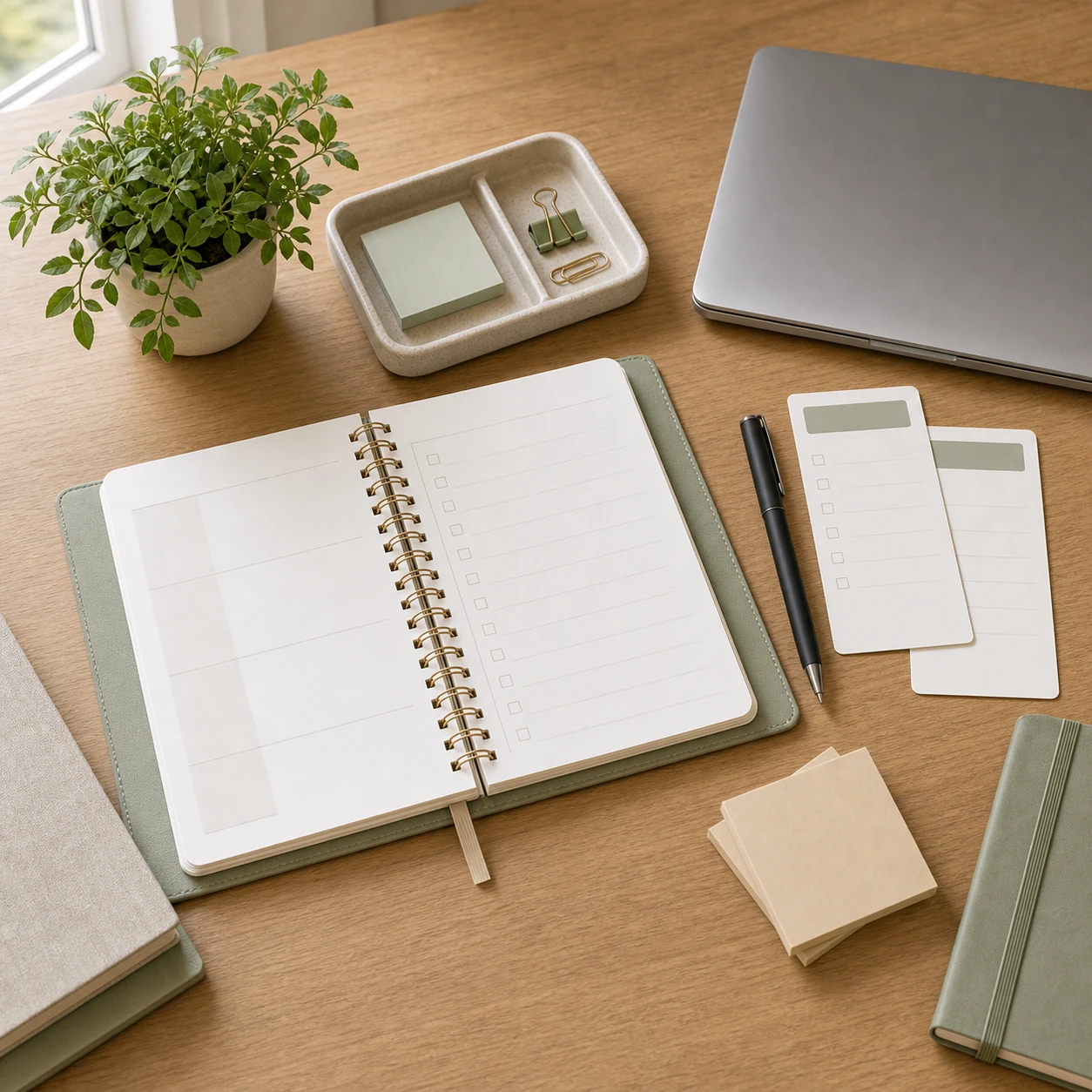
A decision fatigue checklist helps you stop spending fresh energy on the same tiny choices every day. What should I do first? What should I wear? When should I answer messages? What matters today? None of those questions are wrong, but too many of them can make a normal day feel heavier than it needs to be.
This guide is not about becoming rigid or removing all flexibility. It is about creating a few default systems so your mind has fewer open loops. You still choose what matters, but you choose once on purpose instead of re-deciding all day.
What Decision Fatigue Looks Like
Decision fatigue often shows up quietly. You may put off simple tasks, bounce between options, overthink small purchases, scroll instead of starting, or feel tired before the main work begins. The solution is usually not more motivation. It is fewer repeated decisions.
- You keep rewriting the same to-do list.
- You spend too long choosing between similar options.
- You delay small tasks because the next step is unclear.
- You feel mentally crowded by errands, messages, and loose plans.
- You end the day with many half-decisions still open.
If your phone and laptop add to that crowded feeling, pair this checklist with the digital declutter checklist for phone, laptop, and cloud storage.
Make a Weekly Decision Board
A weekly decision board gives common choices a place to land before the week starts. It can be a page in a planner, a note on your laptop, or a few cards on your desk. The goal is to choose your defaults when you are calm.
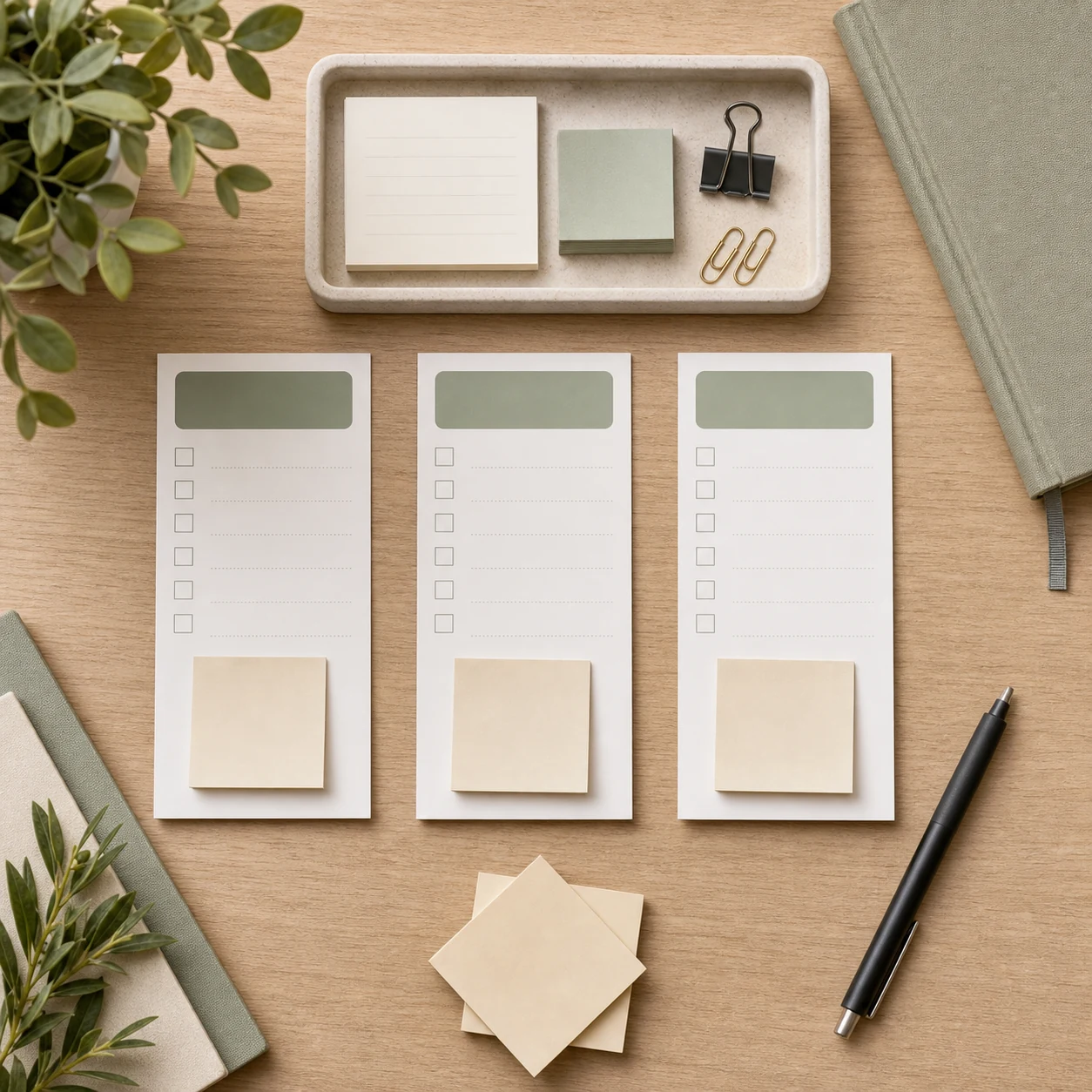
Choose three default categories
- Food: a few repeatable meals or snack options.
- Work: your first task, message window, and shutdown routine.
- Home: laundry day, tidy-up time, and errand batch.
Keep the board short. If it becomes a second brain for every possible detail, it creates more work. Start with the three categories that currently steal the most attention.
Set Daily Defaults
Daily defaults are pre-decided answers for ordinary moments. They are not strict rules. They are starting points that make the day easier when you do not want to think from scratch.

Useful defaults to pick once
- Your first task after sitting down to work.
- Your normal time to check messages.
- Your go-to breakfast or lunch option.
- Your simple outfit formula for busy days.
- Your ten-minute reset when the house feels scattered.
For a morning structure that can work with these defaults, see Morning Routine for Focus.
Create a Decision Menu
A decision menu is a small list of approved options. Instead of asking, “What could I possibly do?” you ask, “Which of these good enough options fits today?” That shift is small, but it removes a lot of mental noise.
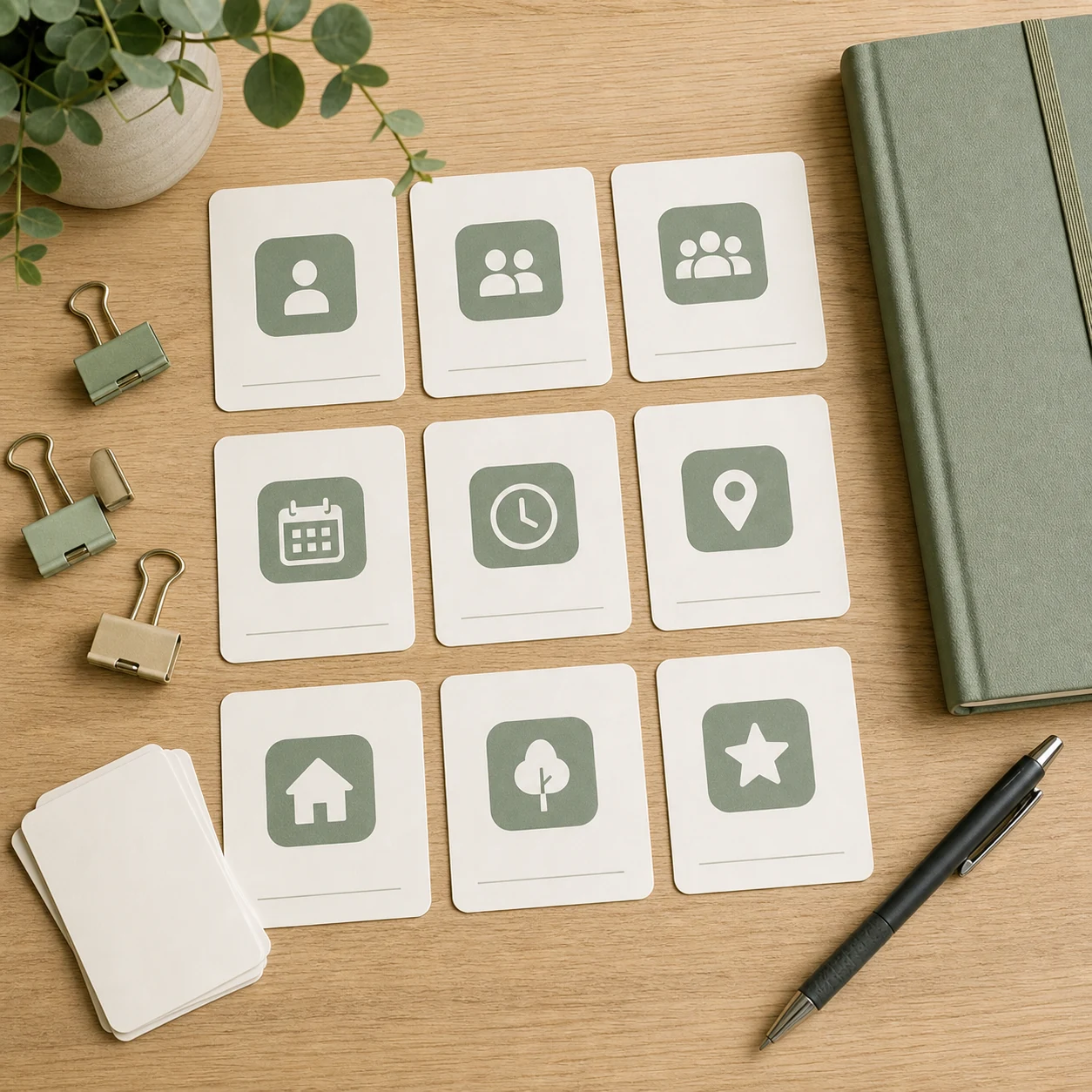
Menu examples
- Low-energy work: organize notes, answer simple messages, prepare tomorrow.
- Home reset: clear one surface, start laundry, take out trash, sort papers.
- Personal time: read, stretch lightly, sit outside, call family, plan the next day.
- Errands: grocery pickup, pharmacy, returns, fuel, post office.
Menus are especially useful when the choice is not high-stakes. You are not trying to find the perfect option. You are trying to move forward without draining the rest of the day.
Use the Two-Choice Rule
When too many options slow you down, narrow the decision to two. Two good choices are easier to compare than seven possible choices. This works for small decisions like meals, tasks, errands, and weekend plans.
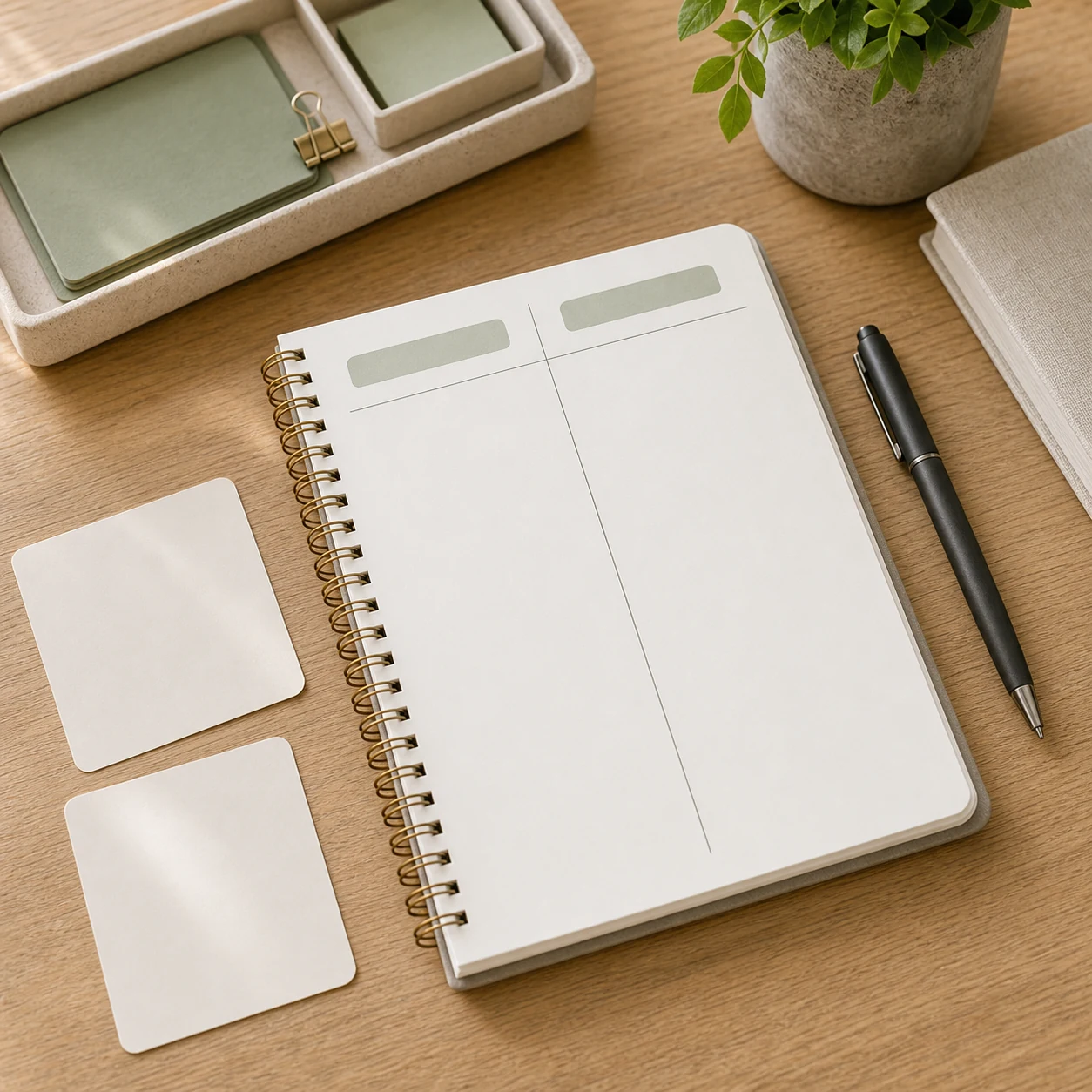
A simple prompt
Write two options, then ask: Which one is simpler, kinder to my schedule, and good enough for today? If both options are acceptable, choose the one with fewer hidden steps.
Batch Similar Choices
Batching means grouping similar decisions so they happen once instead of repeatedly. You can batch meals, errands, replies, bills, laundry, planning, or content ideas. A short weekly planning grid is often enough.

- Pick meals for two or three days, not the whole month.
- Choose one errand window instead of scattering trips.
- Check non-urgent messages at set times.
- Plan outfits or work bags the night before busy days.
- Keep a short recurring list for weekly admin tasks.
Close the Day with Fewer Open Loops
A five-minute desk reset can protect tomorrow’s attention. Close tabs, park unfinished tasks on a short list, put tools back, and choose the first step for the next work block. This is not a full evening routine. It is simply a clean handoff to your future self.

If evenings are where choices pile up, this older guide on evening habits to boost your productivity tomorrow may pair well with this checklist.
Decision Fatigue Checklist
- Choose three weekly decision categories.
- Set daily defaults for repeat choices.
- Create menus for low-stakes options.
- Use the two-choice rule when stuck.
- Batch similar decisions into one planning window.
- Close the day with one clear next step.
- Review what still feels noisy and simplify one more thing.
FAQ
What is the fastest way to reduce decision fatigue?
Pick one repeated choice and create a default for it. Start with meals, message times, first work task, or a short home reset.
Does a default routine make life too rigid?
It does not have to. A default is a starting point, not a rule. You can change it when the day needs something different.
How many choices should I plan ahead?
Plan only the choices that repeat often or drain attention. If planning every detail becomes stressful, the system is too heavy.
What if I still feel stuck after narrowing options?
Choose the option with fewer hidden steps, or pause and write the actual next action. If the decision is important, give it a proper time block instead of forcing it between tasks.